Understand
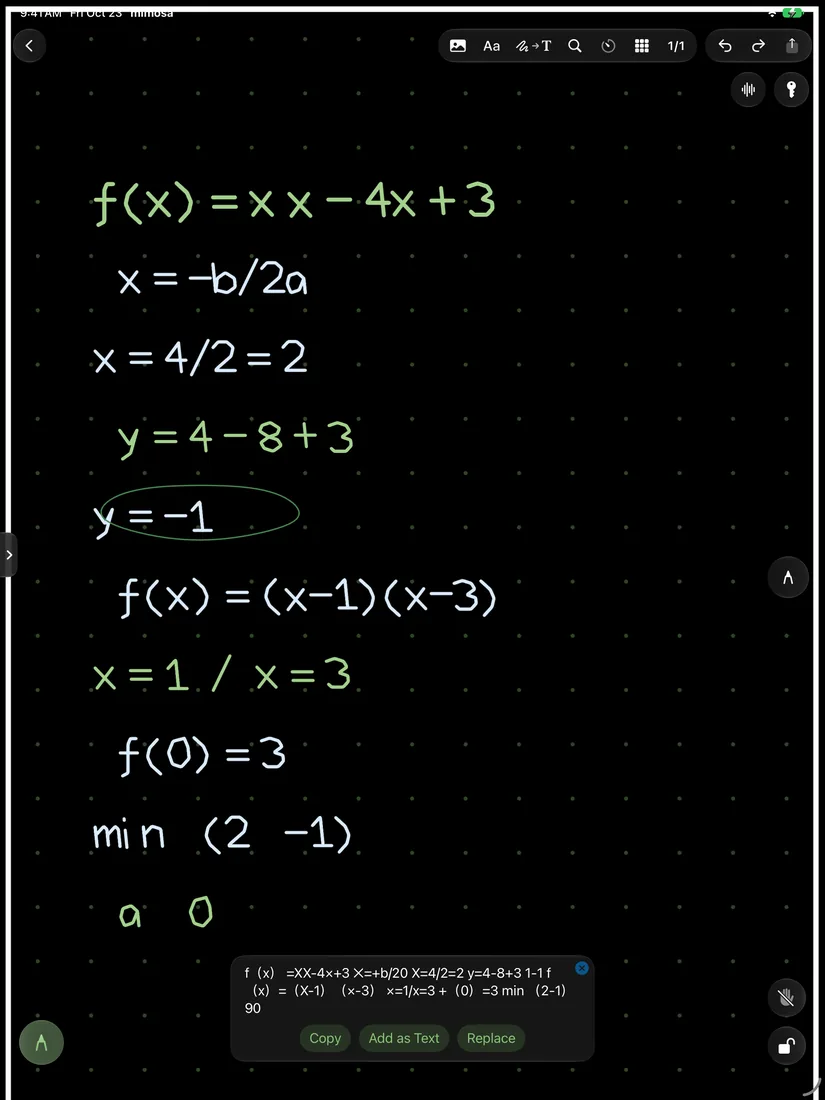
Your handwriting. Now text.
Copy what you write, search it, or place it back on the page as text.
 mimosa
For your notes, PDFs and ideas. Made for Apple Pencil.
Free to download. iPad, iPhone, Mac
Apple Pencil
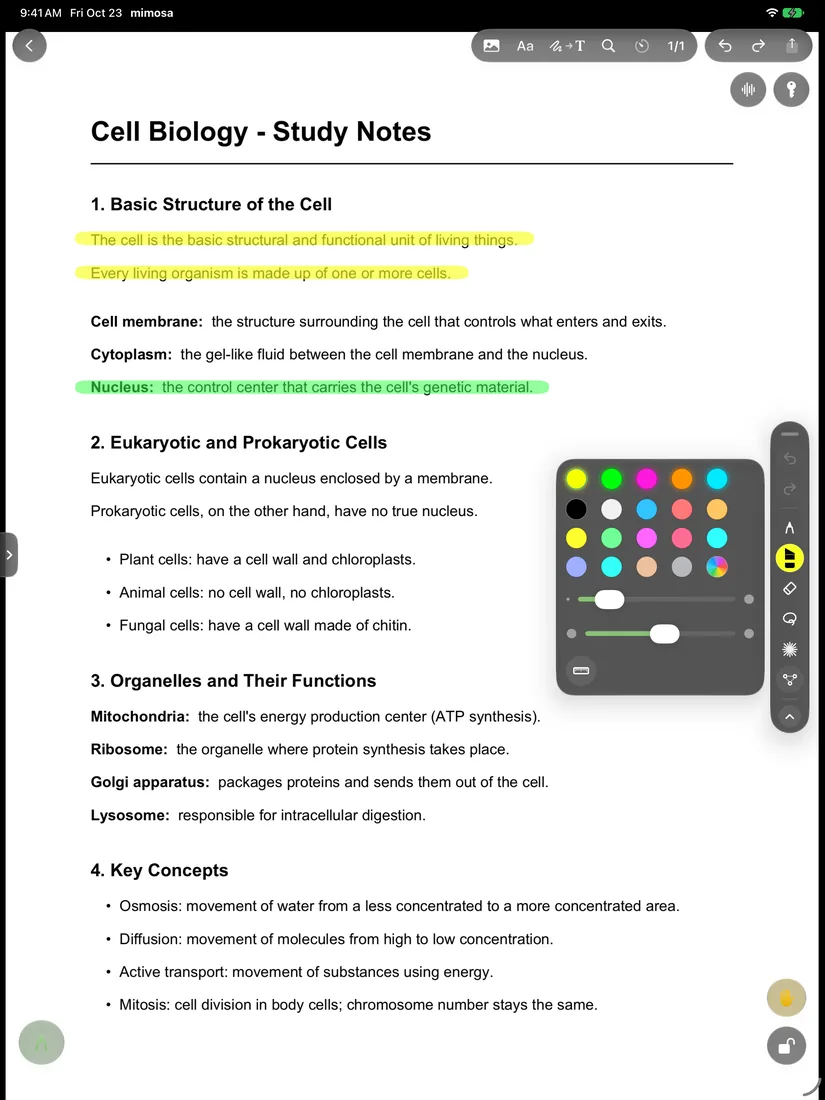
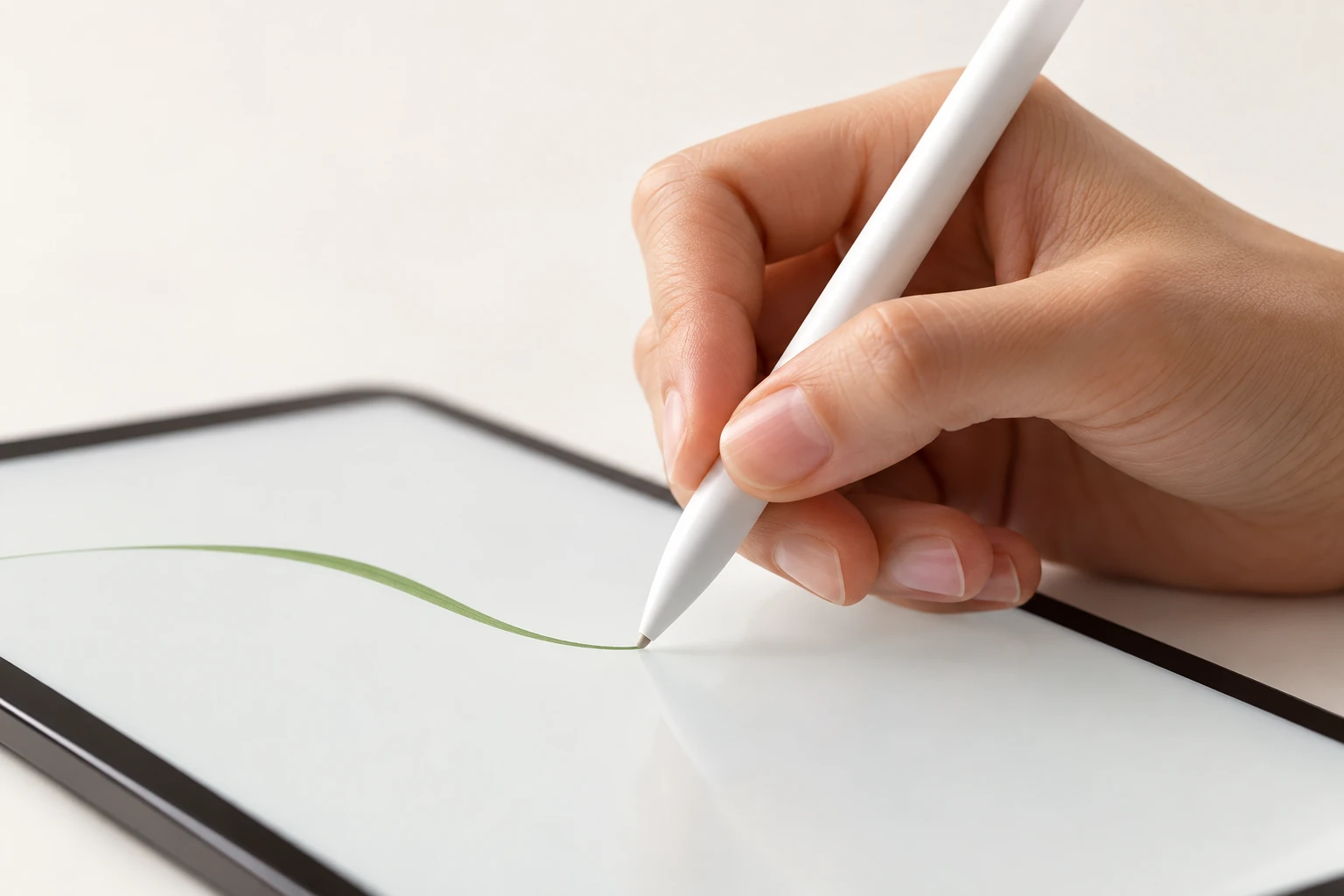
Rest your hand. Lock your page. Keep writing. Let mimosa take care of the rest.
Seeds
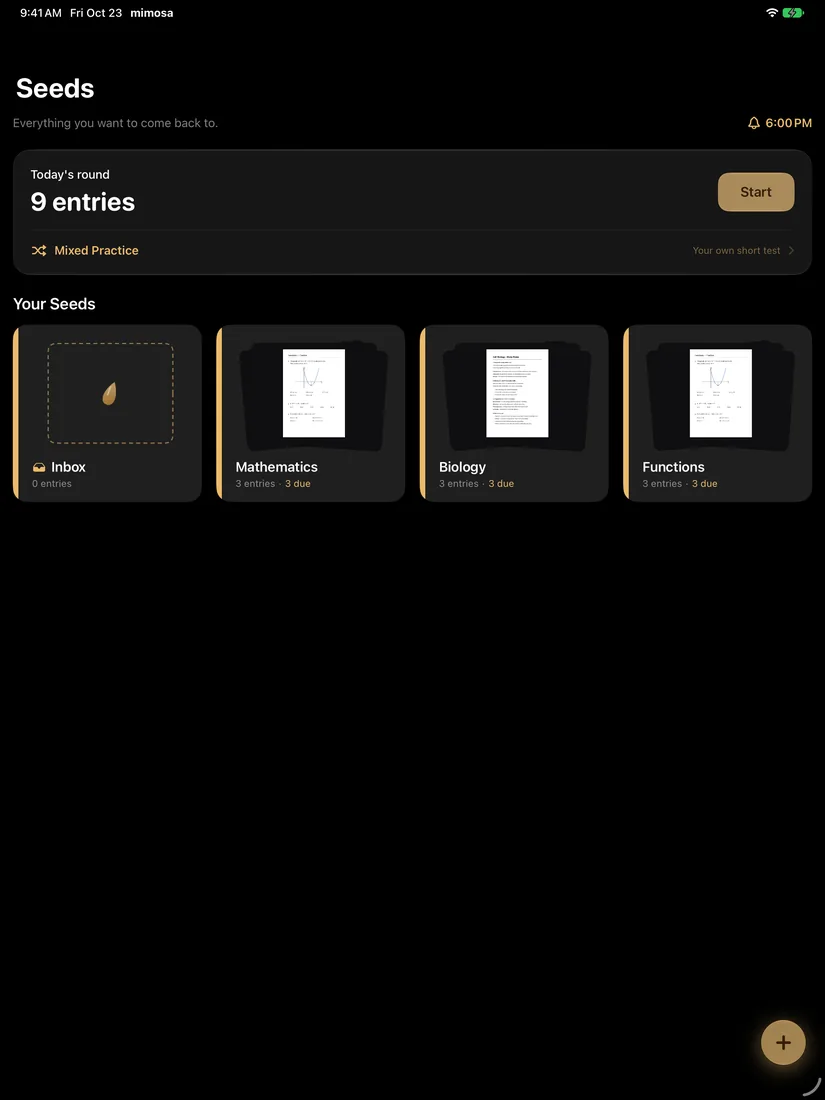
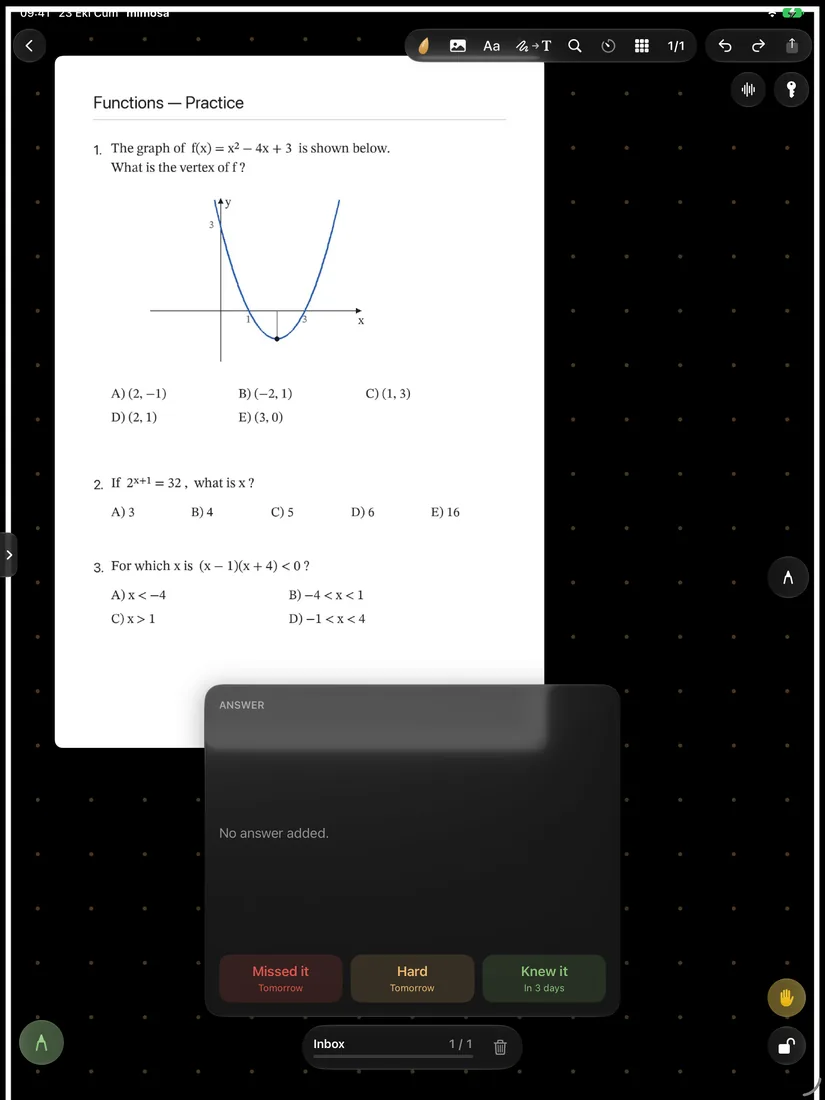
Save more than a question. Seeds keeps your mistakes in their own notebook, and brings them back when it’s time to review.
See Seeds in action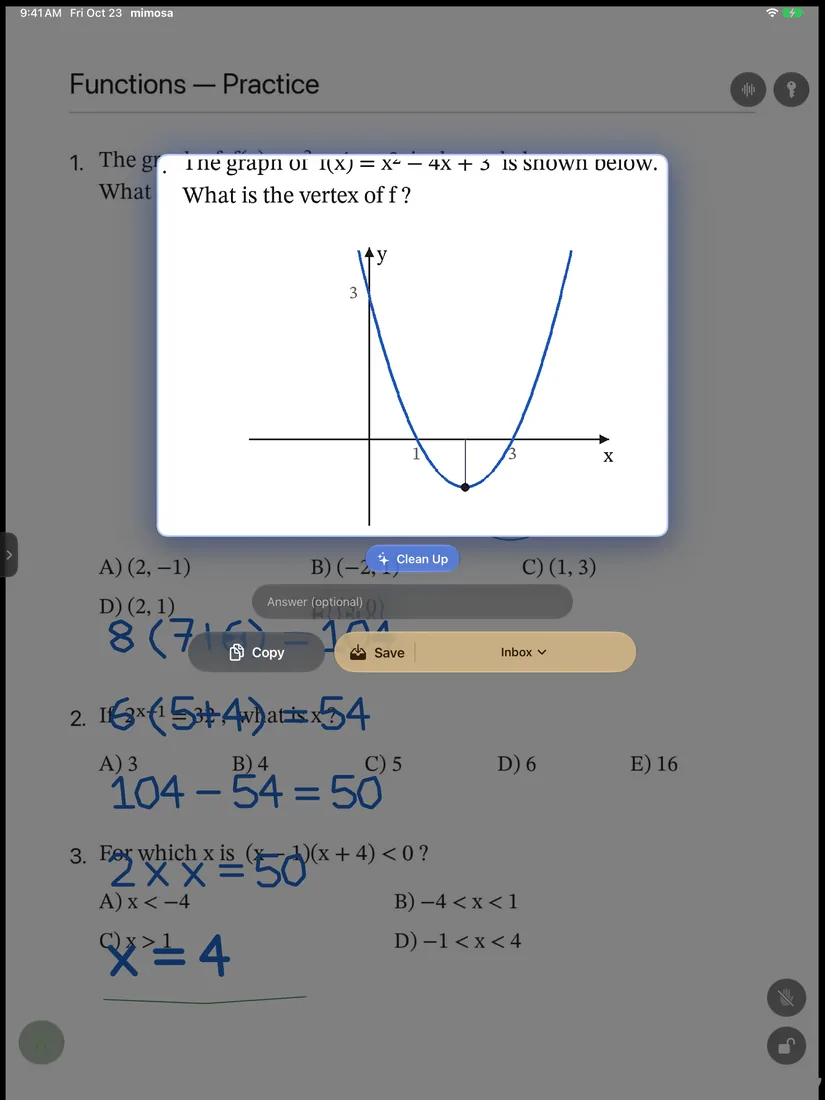
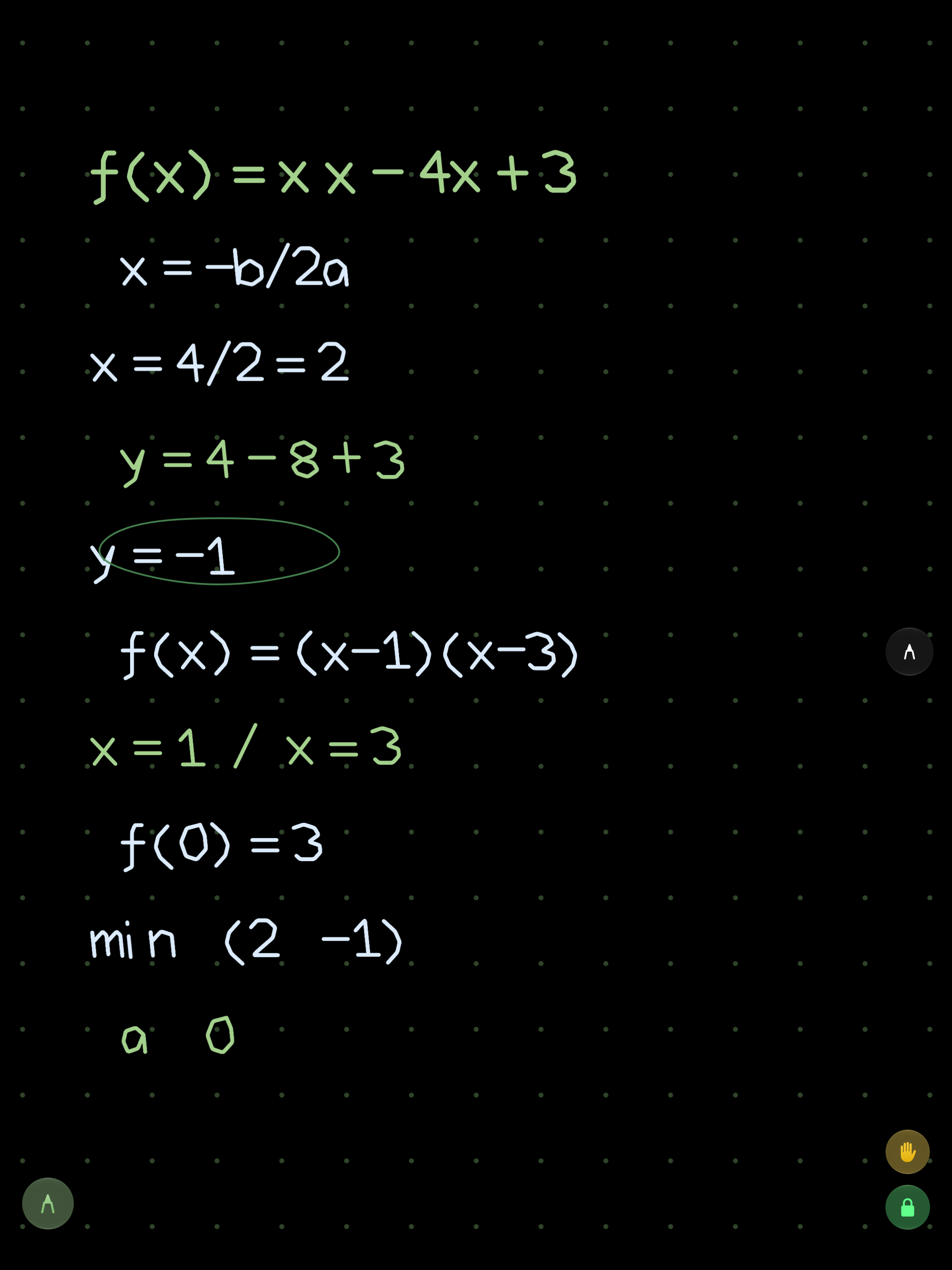
Circle it.
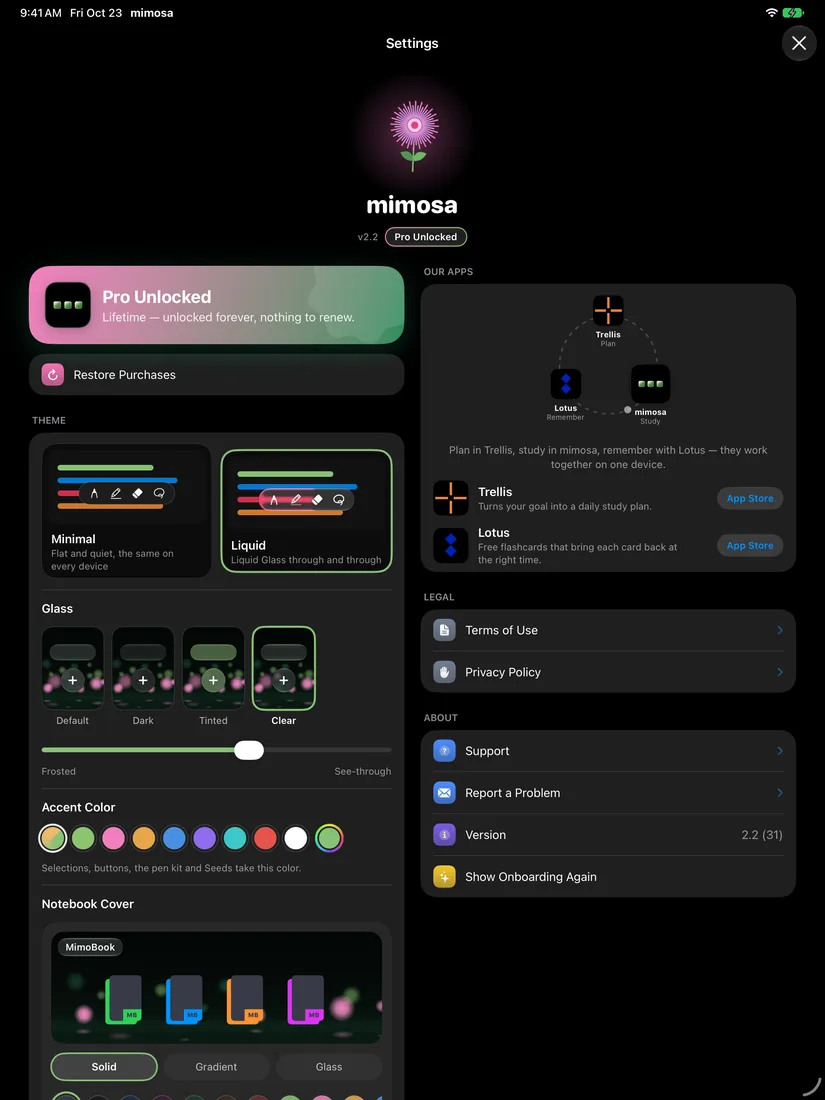
Liquid Glass
Default, Dark, Tinted or Clear. Make the glass, transparency and accent color your own.
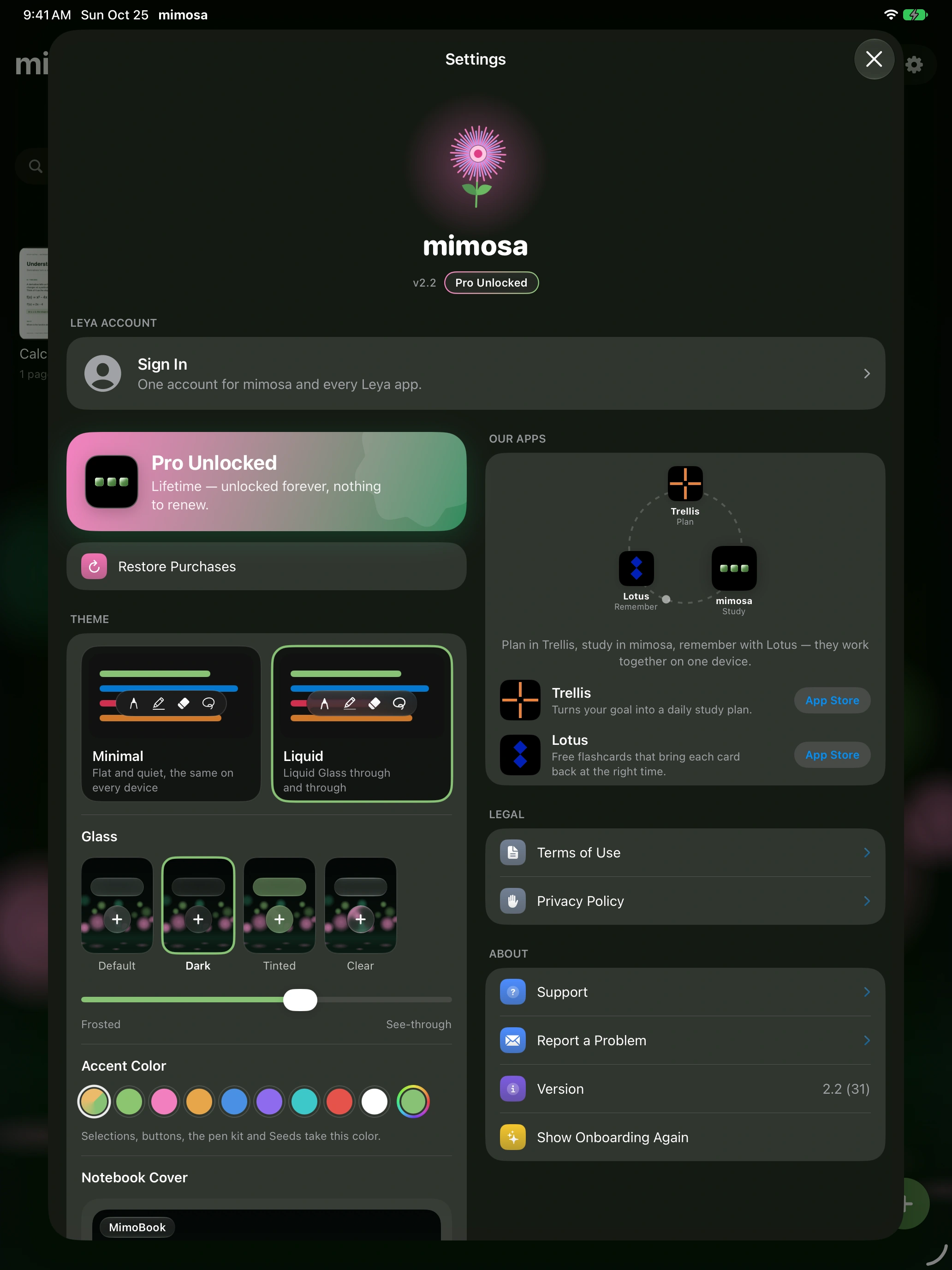
Find your look with Default, Dark, Tinted and Clear.
Choose just how much of your world comes through.
Selections, buttons and your pen kit, all in tune.
Understand
Copy what you write, search it, or place it back on the page as text.
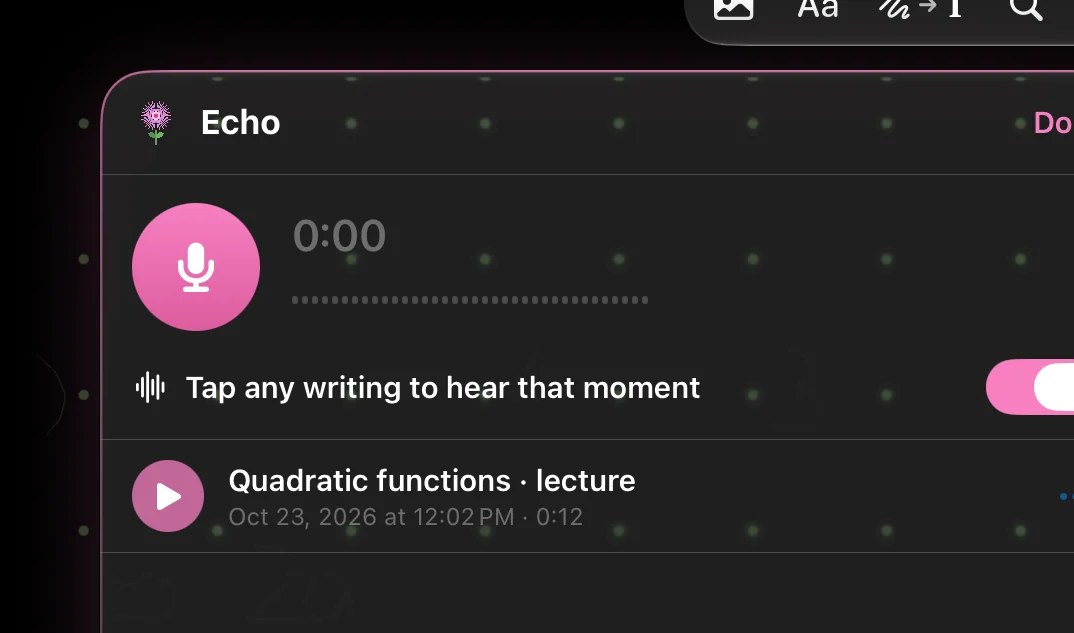
Echo
Record a lecture while you write. Tap a line to hear what was said right then.
MimoBoard
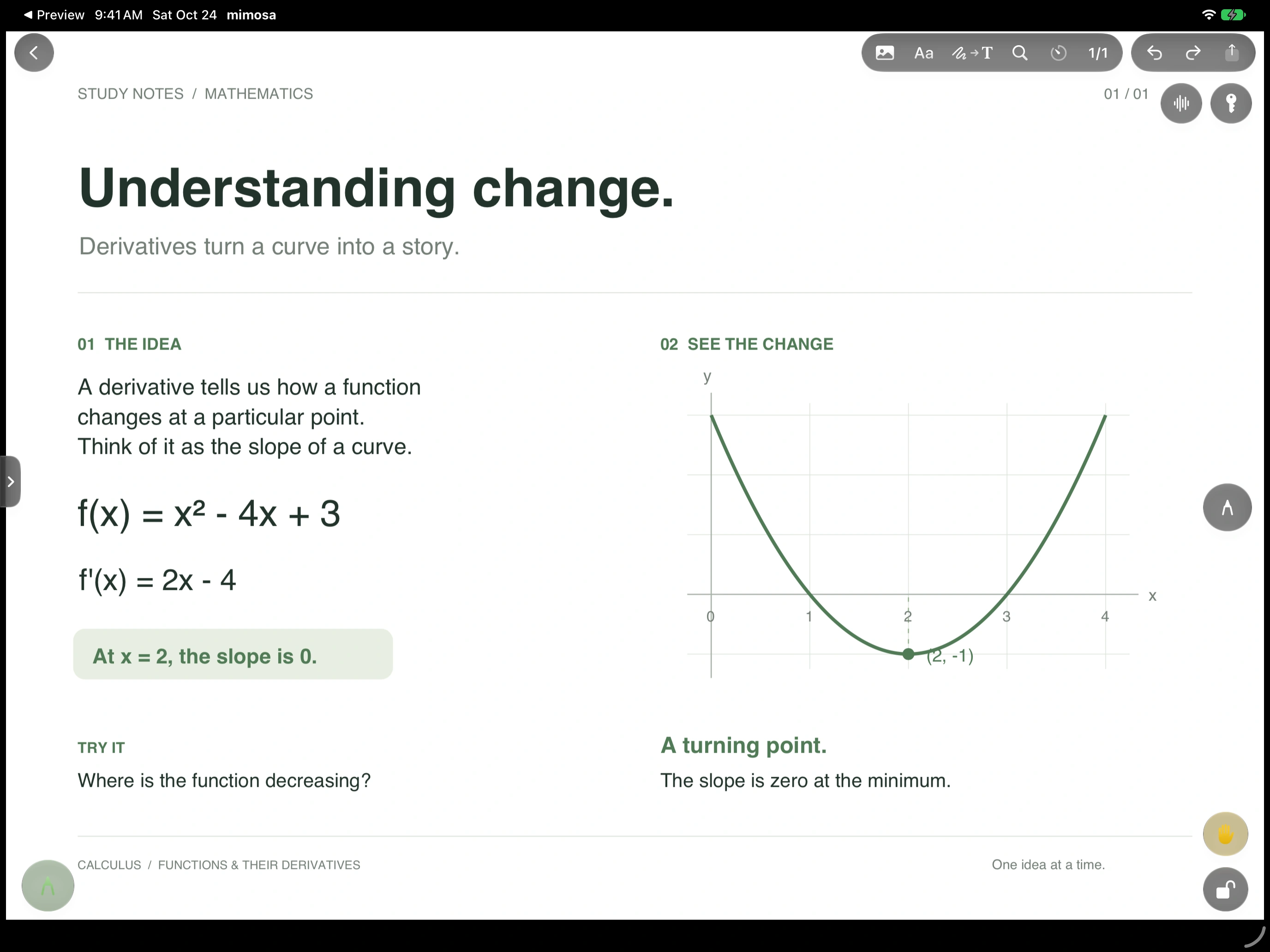
One subject. An endless MimoBoard. Draw, connect, zoom out, and see the whole picture.
A countdown or a stopwatch, right on your page.
Paper into clean PDFs, straight into your library.
Keep answers in a floating window while you work.
Your library on every device, through iCloud.
Free and Pro
The essentials are open to everyone. When you need more room, there’s Pro.
Until November 23 mimosa Pro is free for life with a Leya account.
| Feature | Free | Pro |
|---|---|---|
| Every tool: pens, highlighter, shapes, lasso, laser | ✓ | ✓ |
| Reading and opening PDFs | ✓ | ✓ |
| Documents you write in | 5 | Unlimited |
| Questions in Seeds | 20 | Unlimited |
| iCloud sync on all your devices | ✓ | ✓ |
| Liquid Glass, wallpapers and covers | ✓ | ✓ |
Pro comes as a monthly or yearly subscription, or a one-time Lifetime purchase. Prices are shown in the App Store.
iPad and iPhone with iOS 17 or later, and Mac. Liquid Glass needs iOS 27.
It's made for Apple Pencil, and any Apple Pencil works. On iPhone you can write with your finger.
No. A free Leya account is optional; it's only needed to take the lifetime offer, and gives you one account across Leya apps.
On your device and in your own iCloud. Leya never stores your documents.
Until November 23, create a free Leya account in the app, tap Claim Lifetime Pro, and Pro is yours for good, on every device you sign in on.
mimosa for iPad, iPhone and Mac.
Download on the App Store